Create a new App
Create a new App in App Services

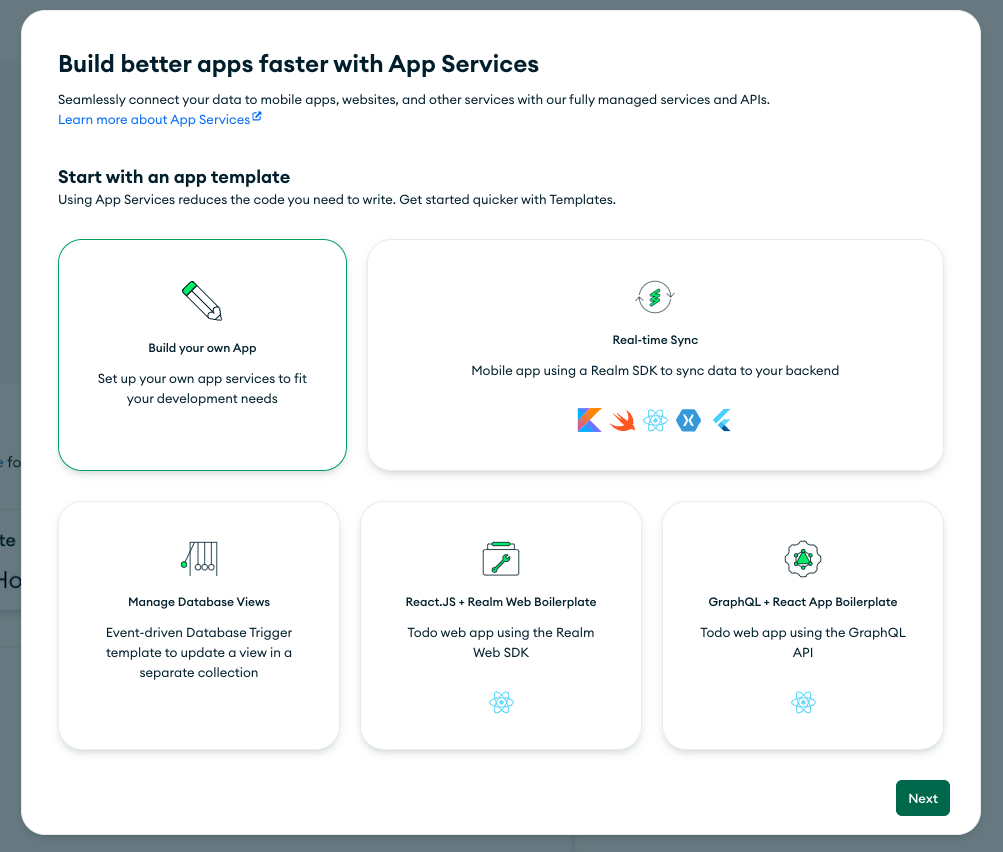
Open the App Services Tab. If it's the first time there, you'll be prompted to create a new App. Click on "Build your own App", then on "Next". Close the Application Guides that will appear.
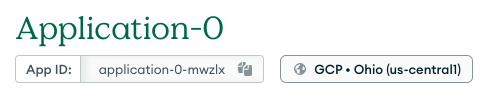
App id
We will use the App id later in our code. We can see here that our App is running in GCP, although we can change the cloud provider and region. We can also copy the App ID.
More info
You have more info about how to Develop and Deploy Apps in the MongoDB Documentation