Running the App
Launch in Simulator
If we run the app in our iOS Simulator, we'll see something like this:

We're showing a Text view with a RLMUser. This means we've logged in.
Checking Users in App Services
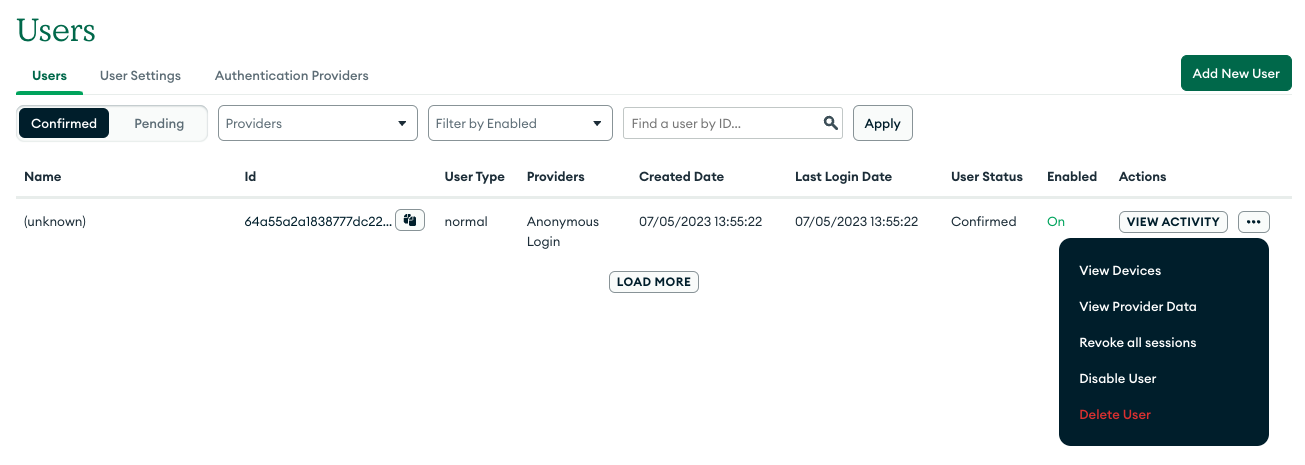
If we open the App Users option in App Services, we'll see that now we have one user created. As we've logged in from our app, a new anonymous user has been created. We can check this user actitivy, delete or disable the user, revoke all sessions and even check from which devices she is connecting!